Question: Where can I download the software for remote viewing DVR and NVR on my computer and mobile phone?
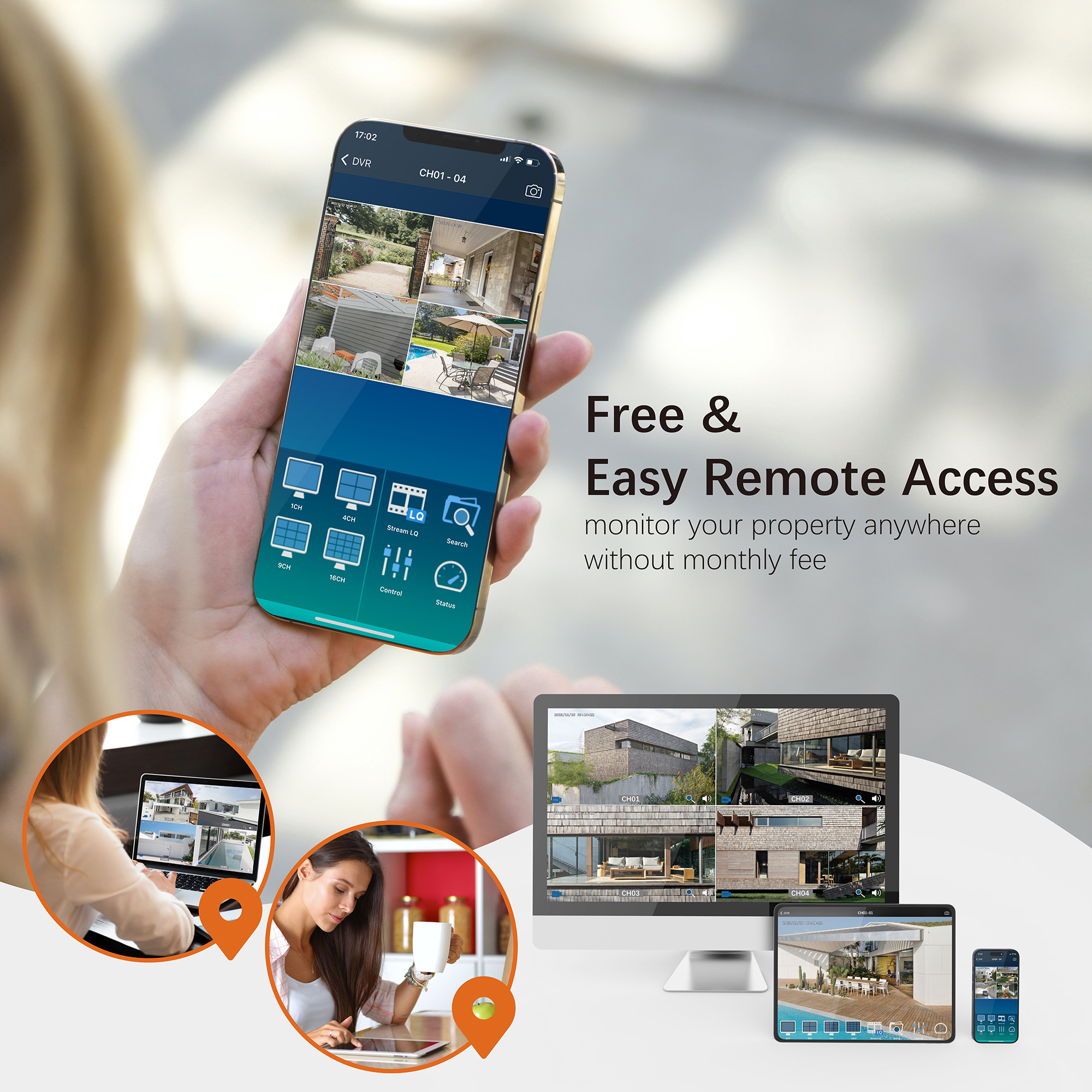
To download the software for remote viewing of your TIGERSECU DVR and NVR on your computer and mobile phone, follow the instructions below:
For TIGERSECU 2MP DVR
Mobile App
Download the TIGERSECU HD Viewer from Google Play (for Android devices) and Apple Store (for iPhone and iPad).
Computer Software
- Windows: Download the TIGERSECU CMS from this link: https://www.tigersecu.com/cms-win.zip
- Mac: Download the TIGERSECU CMS from this link: https://www.tigersecu.com/cms-mac.zip
Note for Mac Users:
If you have upgraded your macOS to Catalina 64-bit:
a. Follow the “TIGERSECU CMS for Mac User” instructions to install the CMS.
b. Check your DVR firmware version on your DVR and ensure it is 20191107 or later. If not, upgrade the DVR firmware first.
For TIGERSECU WiFi NVR, 5MP Hybrid DVR/NVR, and 5MP POE NVR
Mobile App
Download the Tuya Smart app from Google Play (for Android devices) and Apple Store (for iPhone and iPad).
Web Portal for Computer Viewing
- Visit the Tuya Smart IPC Terminal web portal:
Note: Use Microsoft Edge (PC) or Chrome web browser (PC and Mac). Internet Explorer (IE) and Safari are not supported.
Steps to connect via Tuya Smart app:
a. Open the Tuya Smart app on your mobile device and log in.
b. Tap the “+” icon on the top right corner of the home page, then tap “Scan” on the top right corner to scan the QR Code on your web browser. Confirm Login.
c. On the web page, select the device and channel(s) you wish to view.





16 thoughts on “Where can I download the software for remote viewing DVR and NVR on my computer and mobile phone?”
where are the next instructions after downloading the remote viewing for android.
Hi Rob,
Please view page 33 of our online user manual: https://www.tigersecu.com/tigersecu_dvr_user_manual.pdf
If you have further questions, please email service@tigersecu.com or call us at 323-315-0396, Monday-Friday, 9 am-5 pm PST. We’re here to help!
Thanks,
Joy
Customer Experience
TIGERSECU HD Viewer is not working it is keep on crashing
Hi Sukhman,
We’ve sent you an email about this problem. Could you please check it?
TIGERSECU WiFi NVR, 5MP Hybrid DVR/NVR, and 5MP POE NVR only shows a blank white window when attempting access with both Chrome and Edge. What do I need to do to rectify?
Hi Richard, we’ve sent you an email about this problem. Could you please check it?
App is not showing all the cameras
Hi Mansi, we’ve sent you an email about this problem. Could you please check it?
am i suppose to download the blue stacks app or win-zip to get tigersecu on my computer at home?
Dear customer, we’ve sent you an email about your question. Could you please check it?
Your bot is frustrating. Tiger used to have a great software program PCs. Can not seem to find it now., and your bot doesnt understand. Where is this pc program?
Hi Nancy, we’ve sent you the email about the CMS for Windows. Please check it.
Ever since Microsoft has decided to deprecate the Peer to Peer protocol on the latest Windows 11 updates, the TigerSecu CMS fails to load, locking up and throwing the following error:
Exception: PeerAgent.cpp line 228, PeerAgent::Update() Failed to save config: preference.xml
I am currently updated to 64bit Windows 11 Home Version 24H2 (OS Build26 100.7840). Running Firmware 8638000020260506 on an 8CH (M_VIII_HB (NTSC) system.
MODEL: TS-302T08-2B
S/N: 302T08N23090021
TigerSecuCMS (1.4.0.2).EXE
This program runs fine on Windows 10. Please let me know what is causing this error, or who supports the TigerSecu CMS program.
Thank You
Hi Tony, we’ve sent you the email about the CMS for Windows problem. Please check it.
Software won’t download.
Hi Devin, we’ve emailed you the program. Please check if you received it.